GPS Map Camera is a sophisticated mobile utility that seamlessly integrates real-time geolocation data directly into your photographs. By automatically embedding precise coordinates, altitude, and timestamps, this tool ensures that every captured memory carries its own geographical context. It serves as an essential companion for travelers, field surveyors, and outdoor enthusiasts who need to document locations with absolute accuracy.
GPS Map Camera
GPS Map Camera
Download
46.11 MB
GPS Map Camera Screenshots



1 / 24
46.11 MB
Size
1.9.8
Version
6.0+
Android
Universal
Arch
About GPS Map Camera
GPS Map Camera is a sophisticated mobile utility that seamlessly integrates real-time geolocation data directly into your photographs. By automatically embedding precise coordinates, altitude, and timestamps, this tool ensures that every captured memory carries its own geographical context. It serves as an essential companion for travelers, field surveyors, and outdoor enthusiasts who need to document locations with absolute accuracy.
Seamless Geotagging Technology
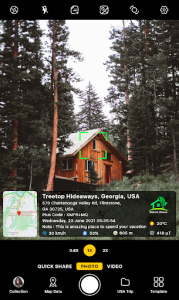
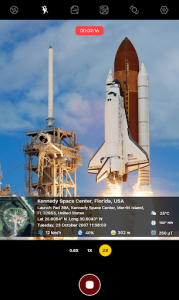
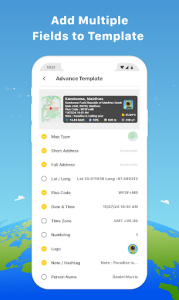
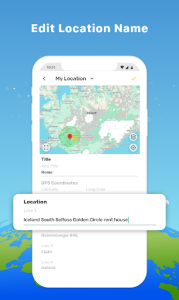
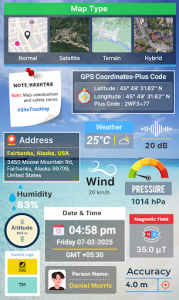
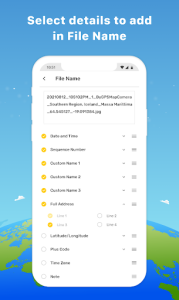
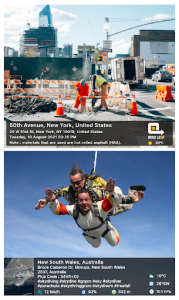
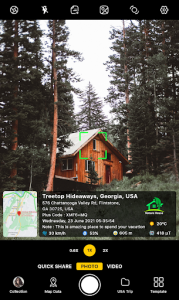
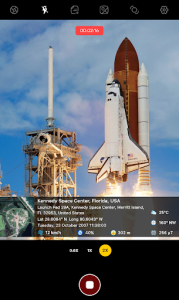
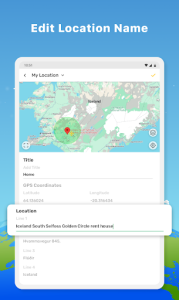
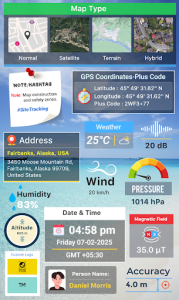
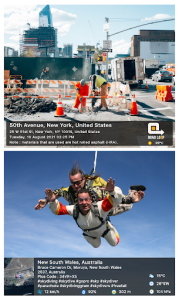
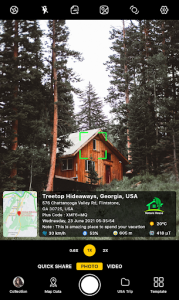
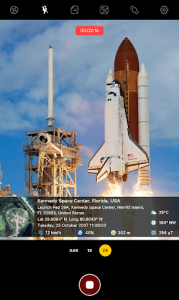
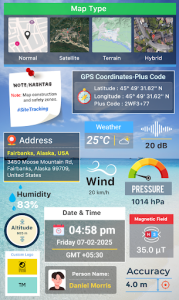
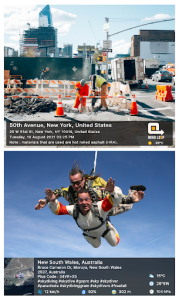
The core functionality of this utility revolves around its ability to overlay comprehensive metadata onto images without manual intervention. Users can customize the layout of the geographic information, choosing between various map styles, coordinates, and weather details that appear directly on the frame. This capability is particularly useful for professionals who must provide visual evidence of site visits or project progress in specific locations.
Enhanced Visual Documentation
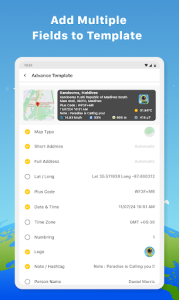
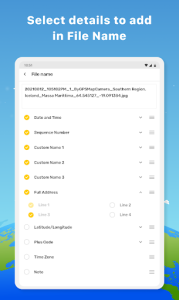
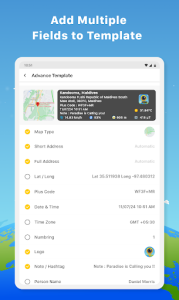
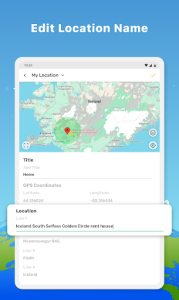
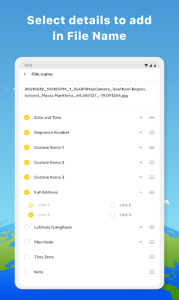
Beyond simple data embedding, the software offers a robust set of customization options to ensure that the information remains legible and aesthetically pleasing. You can adjust font styles, colors, and the positioning of data stamps to suit different lighting conditions or backgrounds. This level of flexibility makes GPS Map Camera a versatile choice for anyone looking to create professional-grade logs of their journeys or fieldwork.
Intuitive User Interface
Navigating through the settings and capturing images feels fluid thanks to a clean, minimalist design that prioritizes ease of use. The interface allows for quick toggling between different data types, ensuring that you only display the information relevant to your current task. By removing unnecessary clutter, this solution enables you to focus entirely on the subject matter while the background processes handle the technical details of location tracking.
Reliable Offline Functionality
One of the most impressive aspects of this tool is its ability to maintain high levels of accuracy even when mobile data is limited or unavailable. By utilizing internal sensors and offline cached maps, the system continues to record precise location data during remote expeditions or hiking trips. This reliability ensures that your documentation remains consistent and trustworthy regardless of your connectivity status in challenging environments.
Common Questions
The software respects user privacy by allowing you to toggle location access on or off for specific sessions. You maintain full control over which photos contain embedded metadata before sharing them externally.
Yes, the images generated are standard high-resolution files that can be uploaded to any social platform. The embedded data remains visible as part of the image, providing clear context to your audience.
The system is optimized for power efficiency, though constant GPS usage will naturally impact battery consumption. It is recommended to use the tool in short bursts during intensive field work to preserve longevity.
Additional APP Information
Package Name
com.gpsmapcamera.geotagginglocationonphoto
Developer
GPS Map Camera
Category
Updated
Mar 6, 2026
Content Rating
Everyone
Signature
8df36d835a33667c3631ad08534dec244c8ed3d2
Get it On

You are now ready to download GPS Map Camera for free. Here are some notes:
- Please read our APK Info and installation instructions carefully for the game & app to work properly
- Read the FAQ carefully for more details
5/5 (3 votes)